
Best Mouse for Carpal Tunnel Syndrome: Wrist-Saving Picks 2026
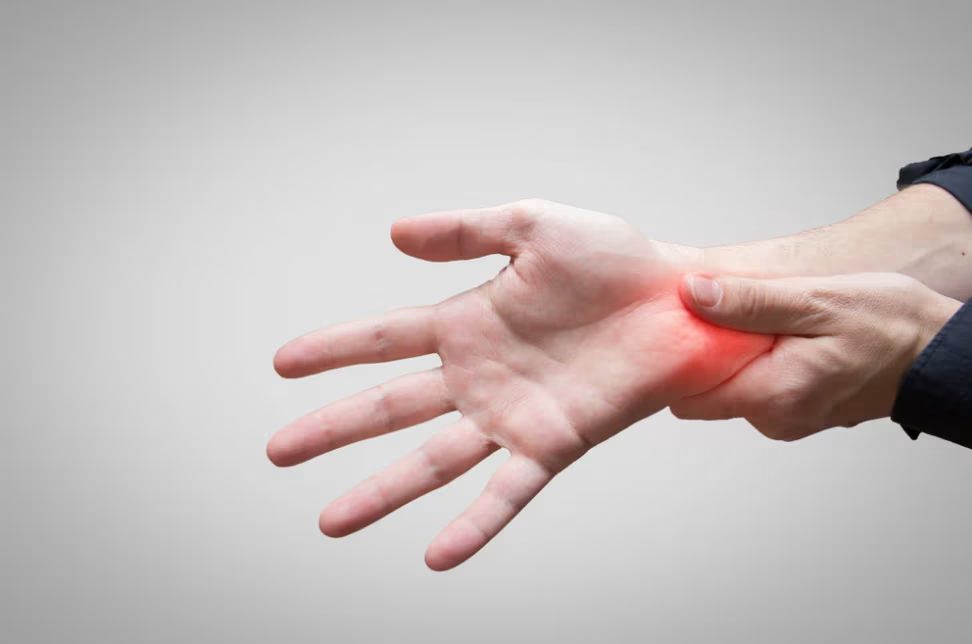
If you have carpal tunnel pain at your desk, the best mouse for carpal tunnel syndrome is not the one with the most reviews. It is the one whose design addresses what your hand is actually doing wrong. The wrist is rarely the only part of the body under load. The forearm rotates. The shoulder reaches. Pick the wrong design and the pain shifts, it does not leave.
The good news: this is one of the most studied corners of office ergonomics. A peer-reviewed randomized controlled trial by Rempel et al. (2006), published in Occupational and Environmental Medicine, found that giving computer workers better forearm support and ergonomic training cut new cases of upper-body musculoskeletal disorders, including carpal tunnel symptoms. In other words, the device you put under your hand matters. A lot.
You will see three options in this guide. Two are ergonomic mice with strong peer-reviewed support. One is a trackball, which gets recommended a lot online but works better for some people than others. We will be honest about all three.
On This Page
- What is carpal tunnel, and how does mouse use cause it?
- Before you buy: the mouse is not the only fix
- Best mouse for carpal tunnel at a glance
- Contour UniMouse: best vertical mouse for carpal tunnel syndrome
- Contour RollerMouse Red: best for carpal tunnel syndrome that has spread
- What about a trackball mouse?
- UniMouse vs RollerMouse Red: the deeper comparison
- What the research actually says
- What real buyers say
- How to make the switch
- Frequently asked questions
What Is Carpal Tunnel, and How Does Mouse Use Cause It?
Carpal tunnel syndrome is pressure on the median nerve where it passes through a narrow tunnel at the base of your palm. The tunnel is small. The nerve, your tendons, and a tough ligament all share that space. When pressure increases and enflames the carpal tunnel, the nerve gets squeezed. That causes tingling, numbness, or a dull ache in your thumb, index, and middle finger.
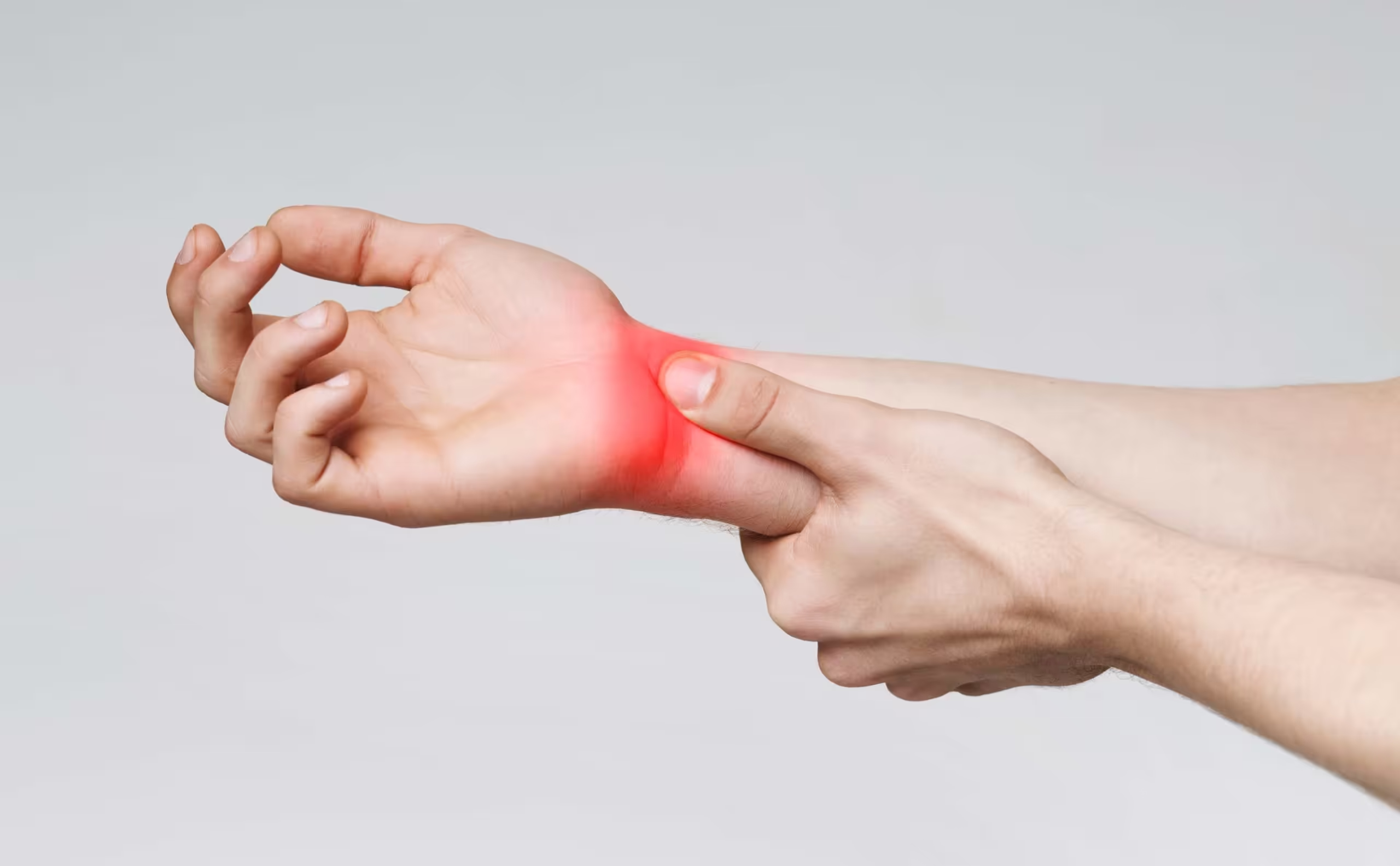
A regular mouse loads the carpal tunnel in three distinct ways. Want to know more about carpal tunnel syndrome and its symptoms? We have a full guide. Otherwise, here are the three culprits in plain English:
- Wrist bend. Your wrist tilts up so your fingers can reach the buttons. Pressure inside the carpal tunnel goes up.
- Forearm twist. Your palm rotates down to grip the mouse. That sustained twist tires the muscles that run from your elbow to your wrist.
- Pinch grip. Holding the mouse all day means a tiny, constant squeeze. Hundreds of clicks an hour. Thousands by Friday.
The best mouse for carpal tunnel syndrome takes one or more of those loads off your hand.
This article is general information, not medical advice. If your numbness wakes you at night or your grip is getting weaker, see a clinician.
Before You Buy: The Mouse Is Not the Only Fix
Honest moment. A better mouse helps. A better mouse alone will not fix carpal tunnel pain if the rest of your setup is fighting you. Spend five minutes on these three things before you order anything.
If you read carpal tunnel syndrome mouse threads on Reddit, the most upvoted advice is rarely about the mouse itself. It is about how you sit, where your desk is, and how you move. We agree. Here is what to fix first.
- Desk height. Your elbows should rest at about 90 degrees with your forearms supported. If your shoulders are shrugged up while you mouse, your desk is too high.
- Move the arm, not just the wrist. Keep your wrist straight and your grip light. If your pointer speed is so high that you control the cursor with tiny wrist flicks, lower it until you can move the mouse with a relaxed forearm and elbow while keeping the wrist neutral. Do not set it so low that you have to reach, tense your shoulder, or run out of mouse-pad space.
- Take a 30-second hand break every 20 minutes. Drop your hand to your lap. Roll your shoulders. Open and close your fist five times.
For the full desk-level routine, our guide to carpal tunnel relief at your desk walks through five fixes you can start today. Once those three are in place, the mouse you use becomes the next biggest lever. That is what the rest of this guide is about.
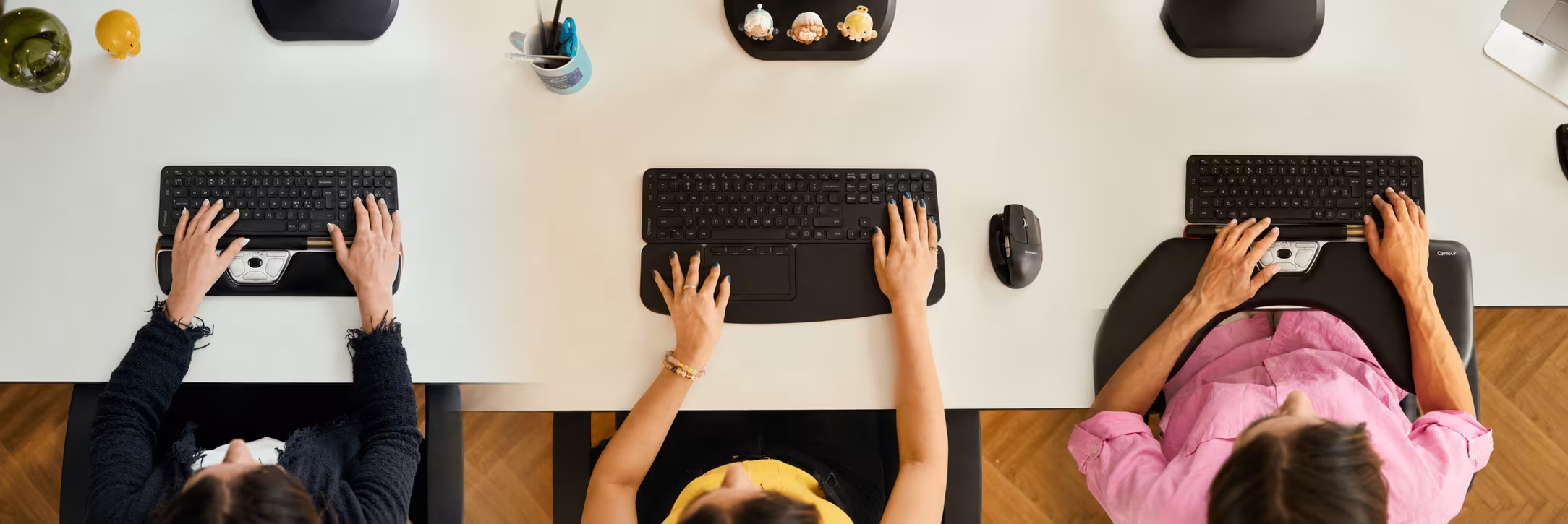

Best Mouse for Carpal Tunnel at a Glance
Here is the 60-second version. The deeper sections come next.
If your pain is purely in the wrist, go straight to the UniMouse section. If it has crept past your wrist into your forearm or shoulder, jump to the RollerMouse Red section. Curious about trackballs? We have a section on that too.
Contour UniMouse: Best Vertical Mouse for Carpal Tunnel
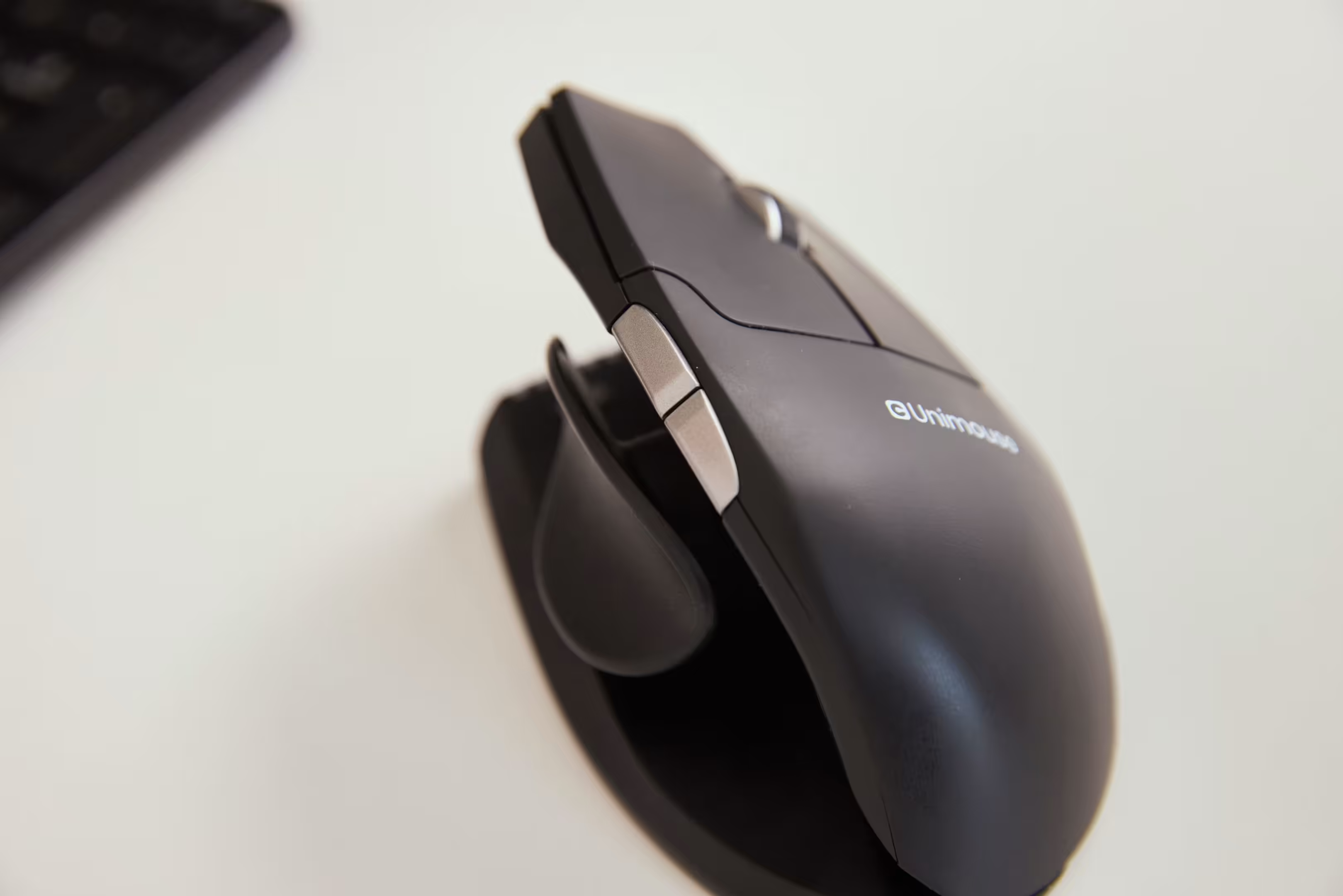
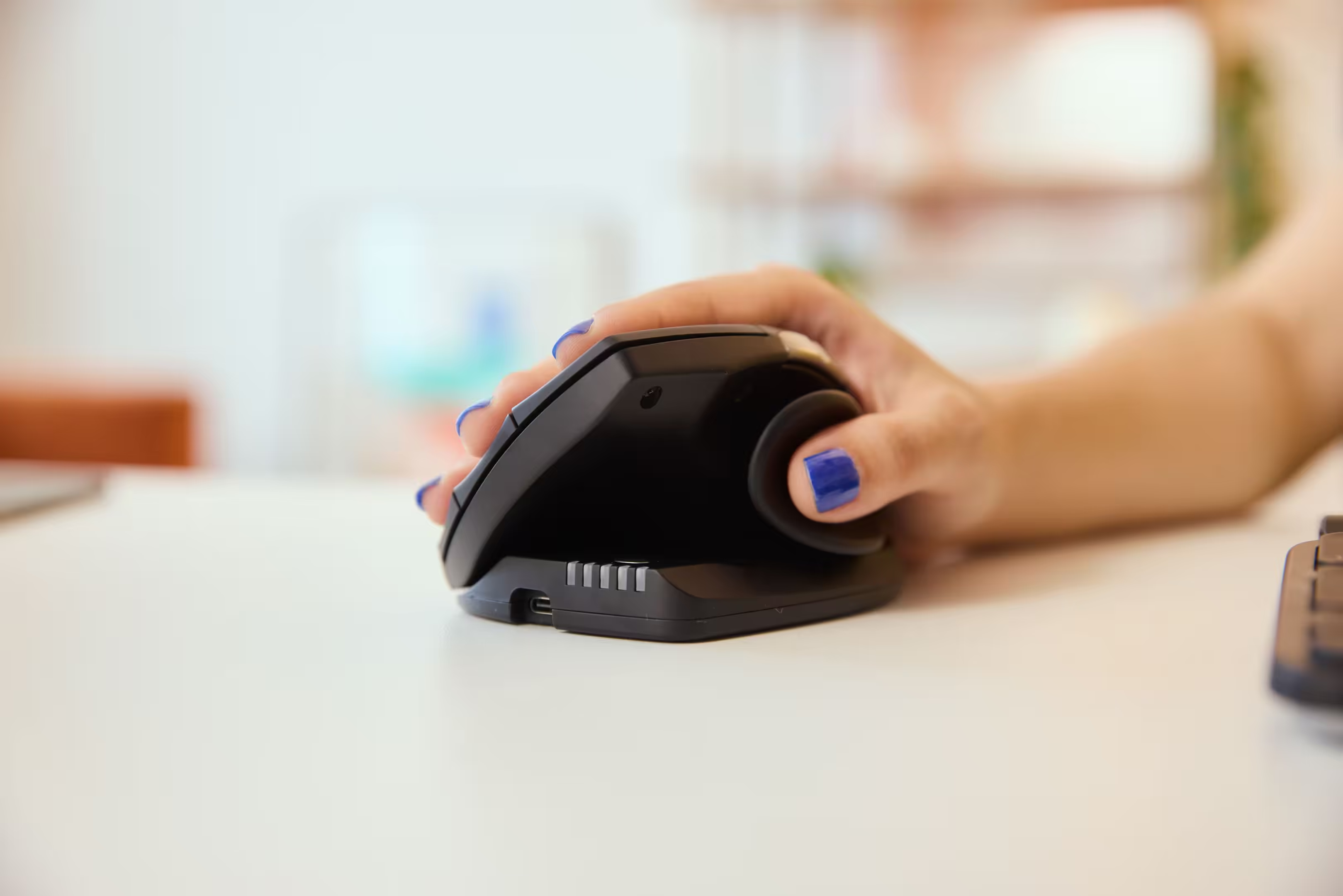
The Contour UniMouse is the best mouse for carpal tunnel syndrome if your pain sits in the wrist and forearm and nowhere else. It puts your hand in a handshake position, palm facing inward. That single change takes the twist out of your forearm — and the twist is one of the main reasons mouse use makes carpal tunnel syndrome worse.
What the science says - UniMouse wins
A peer-reviewed study by Quemelo and Vieira (2013), published in Ergonomics, compared a vertical mouse against a standard mouse using EMG and joint-angle measurement. The vertical mouse cut forearm twist by about a third. It also lowered the muscle activity in the forearm — the same muscle pattern most directly linked to carpal tunnel symptoms in computer users.
Less twist means less load on the muscles that run through the wrist. Less load means less pressure on the median nerve. That is the chain you are trying to break.
Why the adjustable angle matters
Most vertical mice are fixed at one angle. The UniMouse is not. The hinge moves anywhere from 35° to 70°, so you set the angle that fits your hand instead of forcing your hand to fit the mouse. A five-way thumb rest does the same job for grip. It adjusts for small hands, large hands, narrow palms, or wide palms.
This matters more than it sounds. A rigid vertical mouse can swap one bad angle for a different bad angle. People often try a fixed-angle vertical, feel relief for a month, then notice the pain showing up somewhere else. The adjustment is how you avoid that.
Contour's own 2025 benchmark, Optimizing Throughput: A Comparative Study of Vertical Mouse Designs, tested six vertical mice and found the UniMouse delivered the best combination of speed, accuracy, and comfort for sustained use.
Why it works for design and creative work
Here is something most "best ergonomic mouse" lists miss. For detailed work, photo retouching, vector illustration, CAD, video editing timelines, a handheld mouse like the UniMouse still gives you better precision than a centered rollerbar. Your fingertips do the small movements. That is what designers and editors need.
If your day is built around pixel-level work and your carpal tunnel symptoms are wrist-focused, UniMouse is the right pick.
Key features
- Adjustable angle from 35° to 70°
- Five-way adjustable thumb rest fits any hand size or palm width
- Dedicated left-handed and right-handed versions
- Five programmable buttons and a scroll wheel
- Adjustable cursor speed
- Wired (USB-C), wireless dongle, and Bluetooth
Wrist symptoms only? Start with the UniMouse. Most users feel a difference within the first week.
Contour RollerMouse Red: Best for Carpal Tunnel Pain That Has Spread
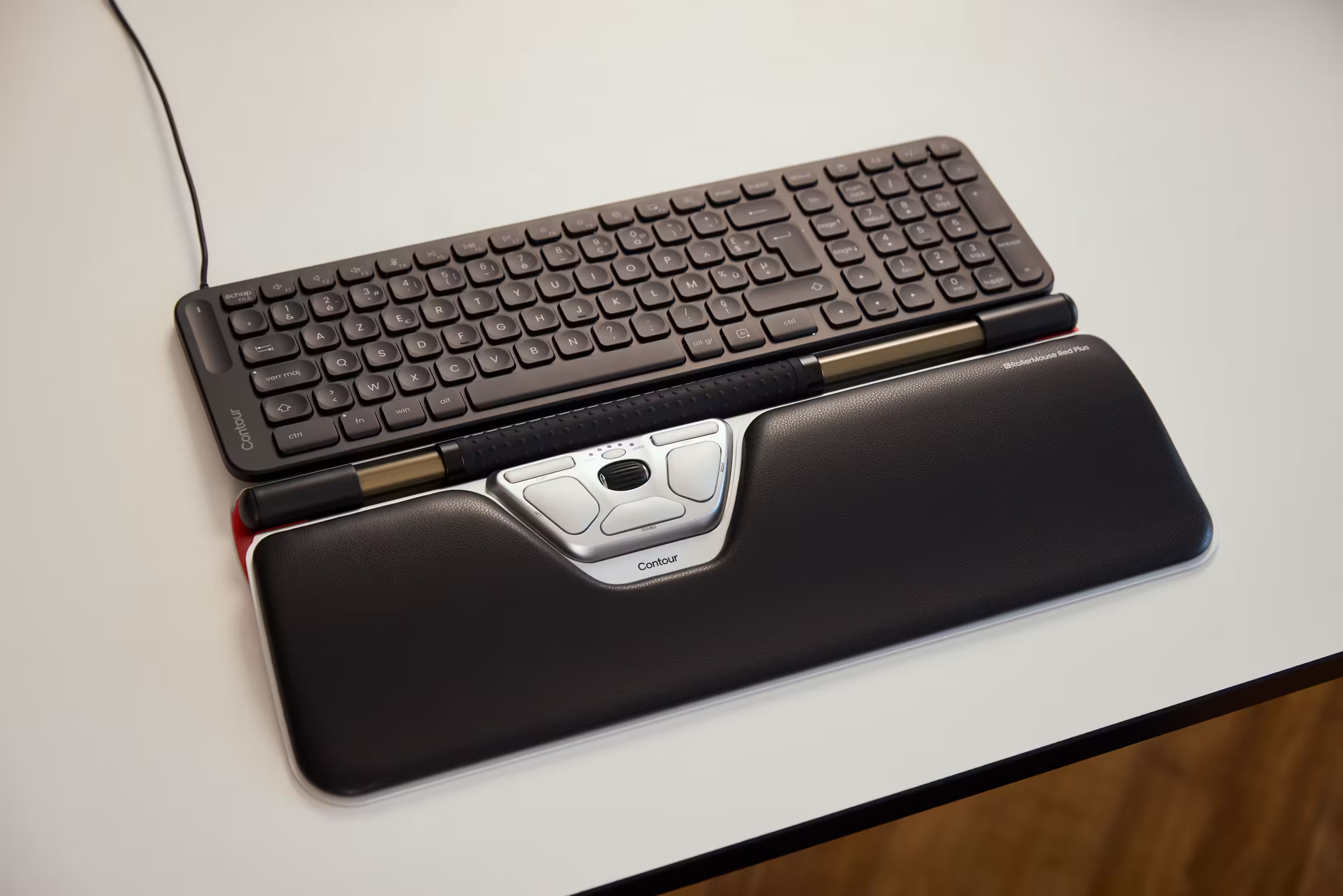
The Contour RollerMouse Red is the best mouse for carpal tunnel syndrome when your pain has spread past the wrist. If you are getting forearm tightness, shoulder ache, or a stiff neck along with the carpal tunnel tingle, a vertical mouse will not fix it. The cause is somewhere else. It's in the reach, not the rotation.
What the science says
A peer-reviewed study by Lin, Young, and Dennerlein (2015), published in Applied Ergonomics, ran motion capture and EMG on the Contour RollerMouse against a standard mouse, a trackball, and a touchpad. The RollerMouse produced the most neutral wrist posture of every device tested. It also lowered the forearm extensor muscle activity, the same load pattern that drives carpal tunnel symptoms.
And here is the second finding that matters for carpal tunnel syndrome sufferers: the RollerMouse lowered ulnar deviation at the wrist. That is when your wrist bends sideways toward the pinky. Sideways bend is one of the wrist positions known to increase pressure inside the carpal tunnel. Reducing it lifts pressure off the median nerve.
The "my vertical mouse stopped working" problem
This shows up over and over in carpal tunnel syndrome forums. Someone buys a vertical mouse, feels relief for a few months or even a couple of years, then the pain comes back — sometimes worse. The vertical mouse did not fail. The cause moved.
A traditional mouse sits beside your keyboard. Every time you go from typing to clicking, your arm travels about 12 to 18 inches sideways. That reach fires the shoulder muscles hundreds of times a day. Over months, those muscles get tight. Tight upper-back muscles change how your arm hangs. The change shows up at the wrist as new pain, or as carpal tunnel syndrome that suddenly will not quit.
The vertical mouse fixes the twist. It does not fix the reach. The RollerMouse Red removes the reach entirely. It sits in front of the keyboard, directly below the spacebar. Both hands can use it without going sideways. The shoulder relaxes. Within a week, most heavy mousers notice the upper-back tension easing, and the wrist often follows.
Three wrist-rest sizes
Hand size matters more for carpal tunnel sufferers than it sounds. Where your wrist sits — and at what angle, changes how much pressure builds in the carpal tunnel. The RollerMouse Red comes in three wrist-rest sizes: Red, Red Plus, and Red Max. You pick the size that puts your wrist in the most neutral angle. Wide palms, small hands, or anything in between, there is a size that fits.

Key features
- Three wrist-rest sizes: Red, Red Plus, Red Max
- Six programmable buttons and a smooth scroll wheel
- Adjustable cursor speed
- Ambidextrous — same device for left or right hand
- Memory-foam palm rest with vegan-leather wrap
- Wired (USB-C), wireless dongle, and Bluetooth
Pain that has spread past your wrist? Start with the RollerMouse Red. It removes the reach that drives most upper-body computer pain.
What About a Trackball Mouse?
If you have searched for the best mouse for carpal tunnel syndrome, you have probably seen people recommend a trackball. They are everywhere on Reddit. So let us be honest about what a trackball does and does not do.
Where a trackball helps
A trackball keeps your arm still. You roll a ball with your thumb or fingers instead of moving the whole device. For people whose carpal tunnel pain is being triggered by big sweeping mouse movements, that can take real load off the wrist. Some users report years of relief.
Where a trackball can backfire
A thumb-operated trackball asks your thumb to do the work all day. Your thumb was not built for that. Many users who switch to a thumb trackball get relief in their wrist and then develop pain in their thumb a few months later. Carpal tunnel syndrome can also affect the thumb directly, which means a thumb trackball can sometimes make the wrong symptoms worse.
We covered this in detail in our article on trackballs and thumbs. Worth a read before you buy one.
The other thing trackballs do not fix
Most trackballs still sit beside your keyboard. So if your carpal tunnel is being driven by the sideways reach to your mouse, the same reach that fires your shoulder muscles all day, a trackball does not solve that. A centered rollerbar like the RollerMouse Red does.
Short version: a trackball is worth considering if your symptoms are mild and you do not have any thumb pain. If your pain has spread past the wrist, or if your thumb already aches, skip the trackball.
UniMouse vs RollerMouse Red: The Deeper Comparison
Both of these are the best mouse for carpal tunnel syndrome, depending on the person. Here is how you tell which mouse is right for you.
A three-question decision rule
- Where is your pain? Wrist and forearm only, no further → UniMouse. Wrist plus shoulder, neck, or upper back → RollerMouse Red.
- How many hours a day do you mouse? Under four hours → either works. Six or more hours → RollerMouse Red usually wins, because it removes the highest-frequency motion (the lateral reach).
- What kind of work do you do? Pixel-level precision work (design, photo, CAD, video) → UniMouse. Heavy typing-and-clicking general office work → RollerMouse Red.
Full feature comparison
If you want a wider view of how each design fits a different cause of pain, our guide to the best ergonomic mouse breaks down the three main design archetypes.
What Real Buyers Say
Real users say the same thing in different ways: the right mouse does not just feel different in your hand. It can change how your whole workday feels.
A life coach switched from a trackpad to UniMouse.
He says his arm feels easier throughout the day, with “no more strain” on his wrist. That is why UniMouse is a strong fit if your discomfort starts in the hand or wrist and you want a more natural way to move.
A consultant uses UniMouse with a Laptop Riser.
His old small, flat mouse was not helping his arm. With UniMouse, he says his hand position feels much more natural. The Laptop Riser also helped reduce tension in his neck and shoulders by bringing his screen and camera up to a better height.
A couples’ therapist uses RollerMouse Red every day.
She says it took a little time to get used to, but now it has become indispensable. For her, the biggest benefit is posture. RollerMouse Red helps her sit better when she uses the computer for many hours.
An entrepreneur and musician uses RollerMouse Pro.
He has nerve damage in both hands, and traditional mice made computer work painful. With RollerMouse Pro, he says he can work for a few hours with very little pain afterwards. He also reports less pain in his hands, arms, and wrists, plus less shoulder tension.
The takeaway is simple: UniMouse is a strong choice when you want a more natural hand position and less wrist strain. RollerMouse is a strong choice when discomfort reaches beyond the wrist into the arms, shoulders, neck, or back.
How to Make the Switch
Three steps. Each one takes a few minutes.
- Step 1: Pinpoint where the pain actually starts. Run a 30-second self-check. Hold your arm relaxed at your side. Where does the pain or tingle live? Wrist only → UniMouse. Wrist and forearm, plus shoulder, neck, or upper-back tightness → RollerMouse Red.
- Step 2: Fine-tune your cursor speed for the first week. Start with a comfortable middle setting. If the cursor feels jumpy and makes you tense your fingers, lower the speed slightly. If you have to drag the mouse a long distance or bend your wrist to cross the screen, increase the speed slightly. Keep the setting that lets you move with a relaxed forearm, light grip, and straight wrist.
- Step 3: Use the new mouse exclusively for two weeks. Do not switch back and forth. Your nervous system needs an uninterrupted block to relearn the motor pattern. Switching doubles the time it takes.
- Step 4: Shorten the reach between typing and pointing. Pair your new mouse with a compact keyboard so your hand does not travel as far.
If you are still not sure which of the two fits your pain pattern, our Help Me Choose tool walks you through it in under a minute.

Frequently Asked Questions
Does using a mouse cause carpal tunnel syndrome?
Mouse use does not cause carpal tunnel syndrome by itself, but it is one of the most consistent triggers for people who already have a vulnerability — narrow wrist anatomy, pregnancy, diabetes, or a job with high hand load. Peer-reviewed studies link sustained wrist bending and forearm twisting on a regular mouse to higher rates of carpal tunnel symptoms in office workers. The best mouse for carpal tunnel syndrome is one that engineers out those two loads.
Does a vertical mouse help carpal tunnel pain?
Yes, for wrist-focused carpal tunnel syndrome. A vertical mouse puts your hand in a handshake position, which cuts forearm twist by about a third and lowers the muscle load in the forearm. That takes pressure off the median nerve. It does not help carpal tunnel pain that is being driven by shoulder reach — for that pattern, a centered rollerbar fits better. The Contour UniMouse is the vertical mouse we recommend because the angle adjusts to your hand.
Is a trackball mouse better for carpal tunnel syndrome?
It depends on where your pain is. A trackball keeps your arm still, which helps some users with wrist-focused symptoms. But thumb-operated trackballs load your thumb hard all day, and a lot of users develop thumb pain a few months after switching. Most trackballs also still sit beside the keyboard, so the sideways reach to the device is still there. We go deeper in our article on whether trackballs help the thumb.
How should you hold a mouse to avoid carpal tunnel symptoms?
Keep your wrist straight, not bent up or sideways. Let your forearm rest on the desk so your hand does not hang from your wrist. Use a light grip, no squeezing. Move the mouse from the elbow and shoulder, not the wrist. And take a 30-second hand break every 20 minutes. The best mouse for relieving carpal tunnel symptoms makes these positions the default rather than something you have to think about.
How long does it take an ergonomic mouse to help ease carpal tunnel pain?
Most people feel a difference within the first week. Full adaptation takes one to two weeks. Use the new mouse exclusively during that window, switching back and forth doubles the time. If you see no change at all after three weeks of consistent use, the design may not match the cause. That is a sign to revisit the pain-pattern check, not a sign the mouse failed.
Can an ergonomic mouse cure carpal tunnel syndrome?
An ergonomic mouse is not a medical treatment for diagnosed carpal tunnel syndrome. What it can do is take the mechanical load off your wrist and forearm so the irritation has a chance to settle. If a better mouse clears the symptoms, the mouse was likely the trigger. If symptoms persist or your hand grows weaker, that is the time to see a clinician.
Match the Mouse to the Cause
Carpal tunnel pain is mechanical. The fix is mechanical. Pick the mouse that lowers the load your hand is actually carrying — wrist-only points you to the UniMouse, multi-point pain points you to the RollerMouse Red. Skip the trackball unless your symptoms are mild and your thumb feels fine. Use the new mouse exclusively for two weeks. Most buyers feel a change inside the first one.
Start with the Help Me Choose tool if you want a one-minute walk-through, or read our further reading on preventing carpal tunnel for the prevention angle.

Not Sure Where to Start?
Answer a few quick questions, and we’ll match you with a device that works perfectly for your needs.

