
Thank you! Your submission has been received!
Oops! Something went wrong while submitting the form.
Choose Options

Click to enlarge
A keyboard built to pair flush with RollerMouse, SliderMouse, or Touch, keeping your arms in a natural strain-free position from keystroke to cursor.
Perfectly in Sync with Your Comfort
Great ergonomics starts with the right setup. Balance Keyboard completes your pain-free workspace by aligning perfectly with your RollerMouse, SliderMouse, or UniMouse.
Its compact layout and adjustable tilt reduce shoulder reach, encourage better posture, and make switching from typing to navigating feel totally seamless. Whether you're working long hours or just getting started with ergonomic tools, Balance Keyboard brings everything into flow.
Why You’ll Love It
Support
Our documentation gets you up and running quickly and easily. If you have any questions use the links below or contact our support.
Getting Started
Frequently Asked Questions
Returns
Contact Support
Downloads
Drivers
Manuals
Other Documents
Sustainability
As seen on






Everything you need for a pain-free workday, bundled and priced better together.
You’ve optimized your mouse. You’ve improved your posture. But if your keyboard’s still forcing your arms outward or your wrists upward, you’re not quite there yet.
Balance Keyboard brings everything into alignment.
It eliminates the awkward gaps and angles that disrupt your flow—and replaces them with centered comfort that works in harmony with your body.
3 in 4 ergonomic mouse users say pairing with the right keyboard reduces pain faster.
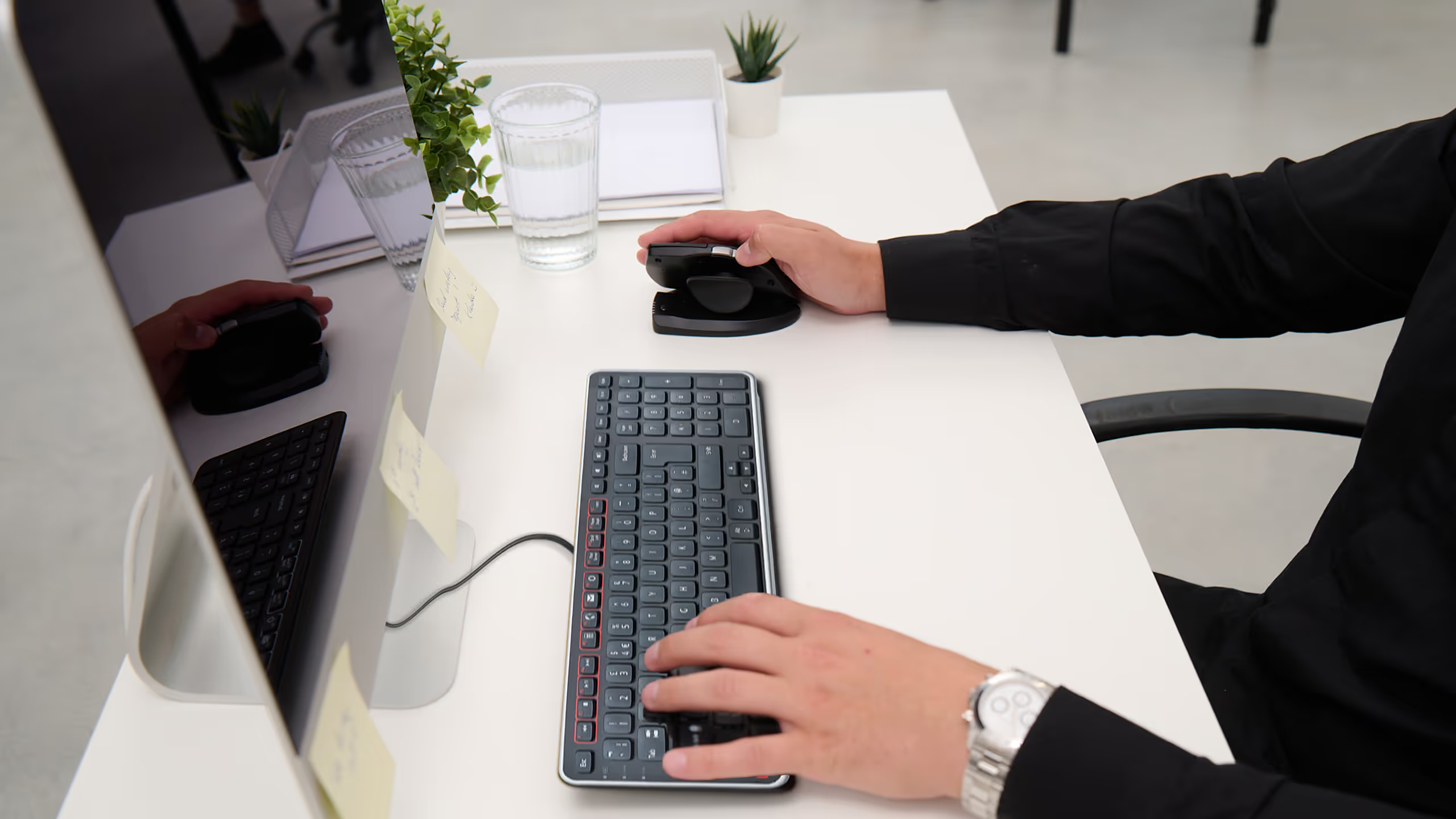
Sits flush with RollerMouse and SliderMouse for fluid motion and posture alignment.
Narrow width means less reach, but still includes a numeric pad and shortcut keys.
Works instantly on Mac or PC, wired or wireless. No learning curve required.

Discover What Makes Balance Keyboard a Game-Changer
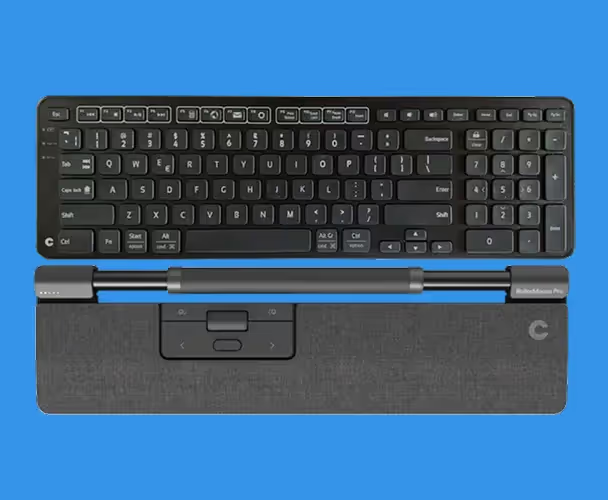
Pairs perfectly with all RollerMouse and SliderMouse models, so your hands stay centered and aligned.
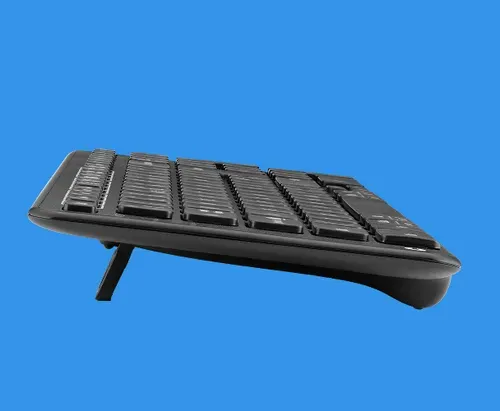
Customizable slope relieves pressure and keeps wrists in a healthy, natural position.
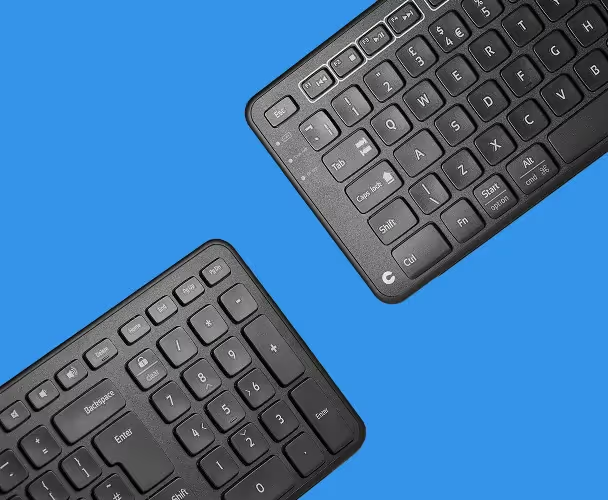
A slimmer profile means reduced arm movement without giving up productivity.
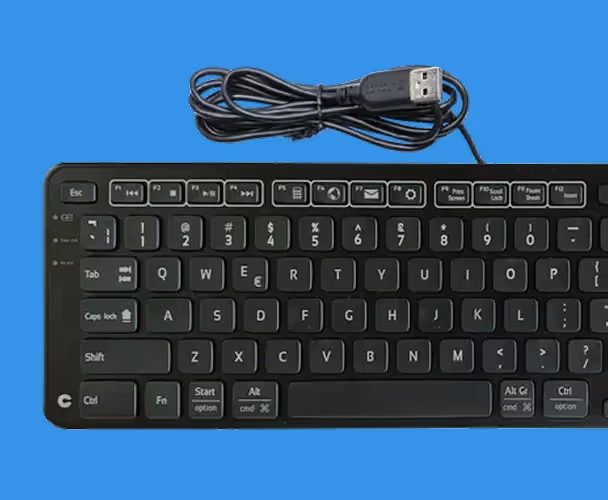
Choose from wired or wireless depending on your setup—both options offer easy setup.
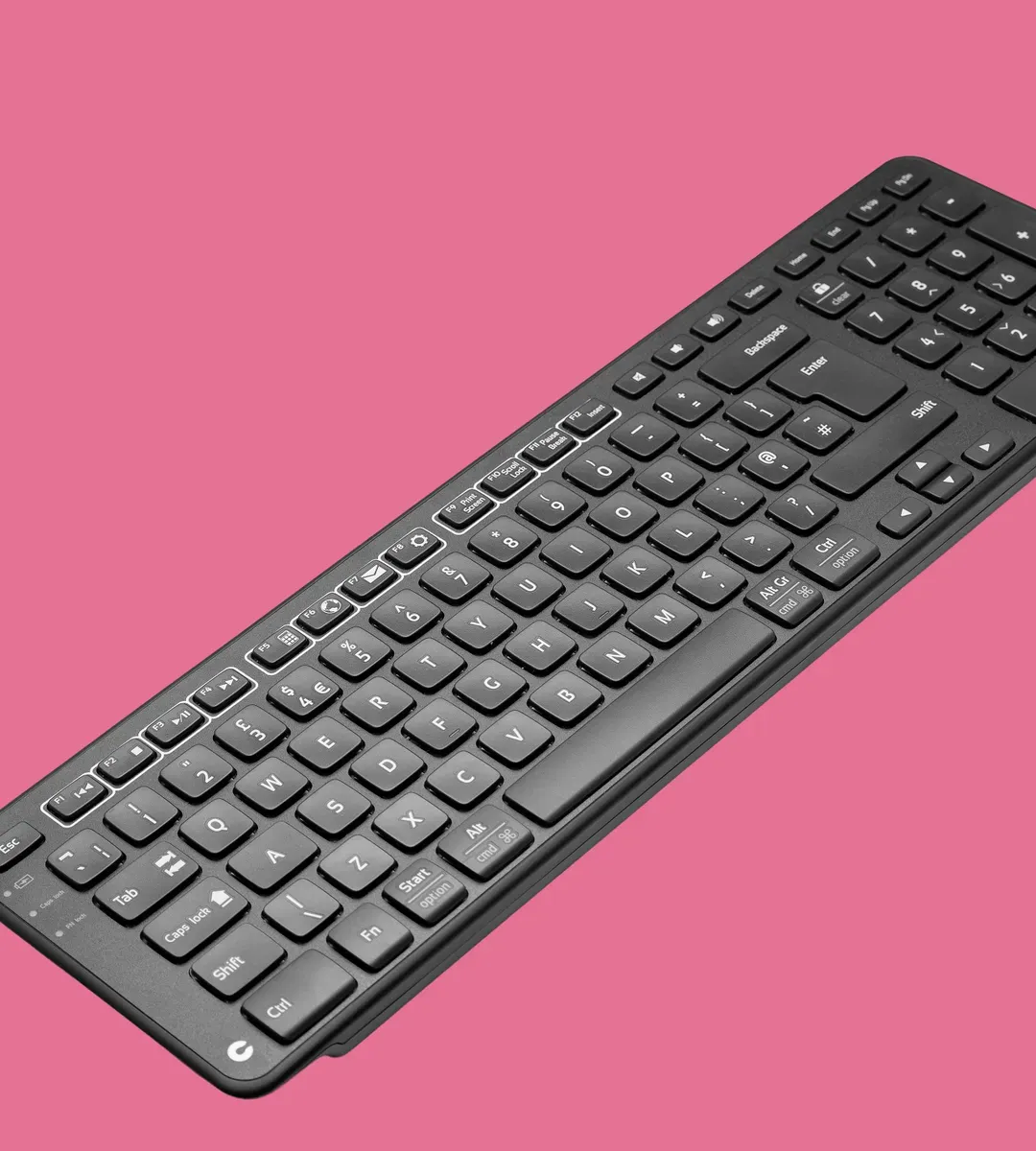
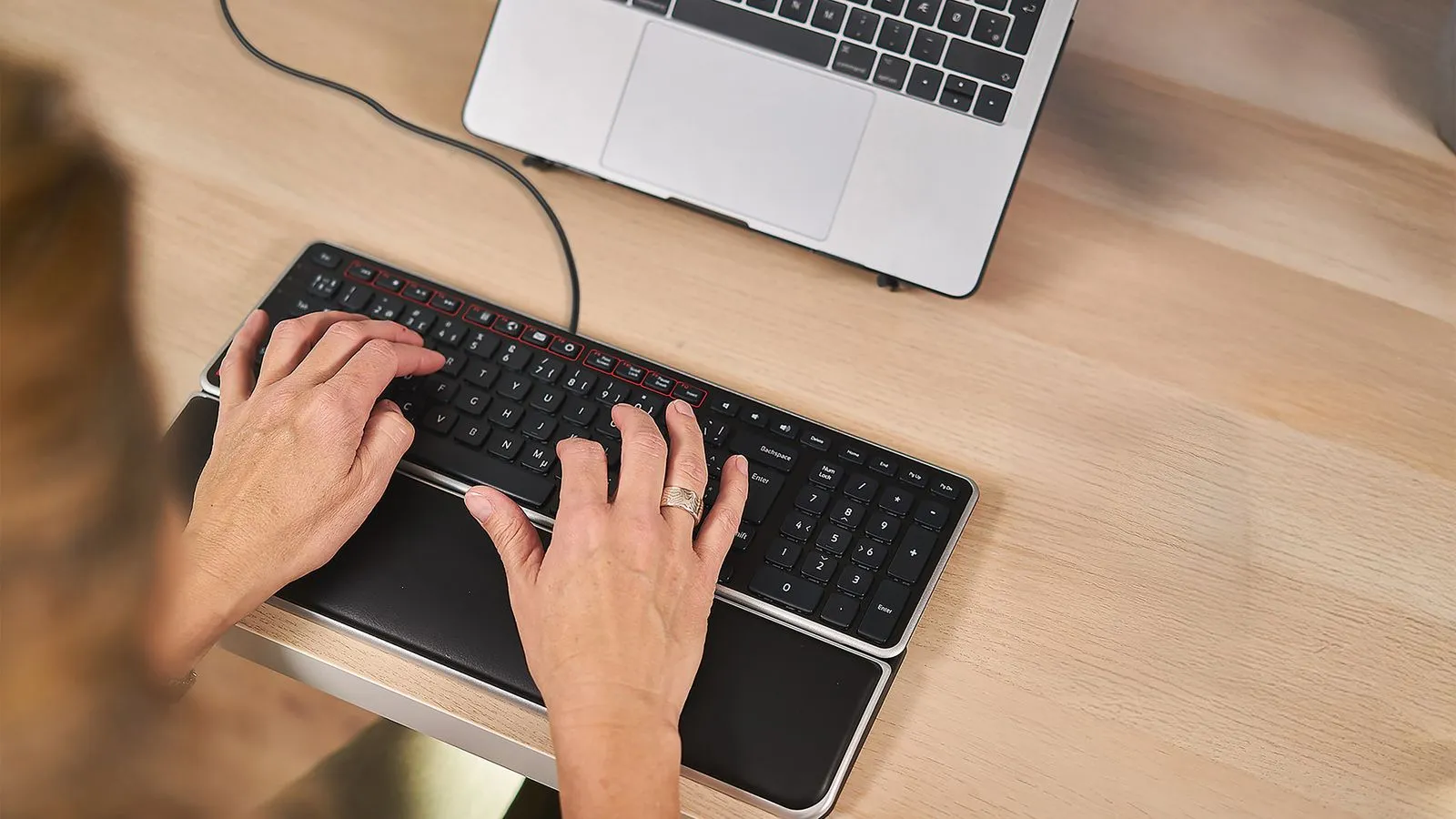
All the keys you need—including a numeric keypad and shortcut keys—in a compact design that minimizes shoulder strain.
Whether you’re deep in spreadsheets or designing your next big idea, the smooth transition between keyboard and mouse helps you stay productive without the pain.


L. L. C.
Real people share how Contour changed their workday.
Answer a few quick questions, and we’ll match you with a device that works perfectly for your needs.

Got questions? We’ve got answers!
It works best with Contour’s RollerMouse, SliderMouse, and UniMouse—but yes, it’s compatible with any standard mouse too.
Yes! Both models are available. Choose the one that fits your setup.
Definitely. The compact layout is intentionally narrower than standard keyboards to reduce shoulder reach and save space.
Yes, you can adjust the tilt up or downward to better support your wrist posture.
Yes, despite its compact form, Balance Keyboard includes a full numeric keypad for efficient input.
We're here to help you!
