
Thank you! Your submission has been received!
Oops! Something went wrong while submitting the form.
Choose Options

Click to enlarge
Stop hunting through menus and keyboard shortcuts mid-edit. Shuttle PRO puts your entire creative workflow on 15 programmable buttons and a precision jog wheel. One device, total control.
Get More Done, Without Lifting a Finger
Whether you’re editing, animating, mixing, or coding—Shuttle Pro V2 gives you effortless control over your most-used tasks. No more repetitive clicking. No more hunting for shortcuts. Just smooth, tactile navigation and productivity at your fingertips.
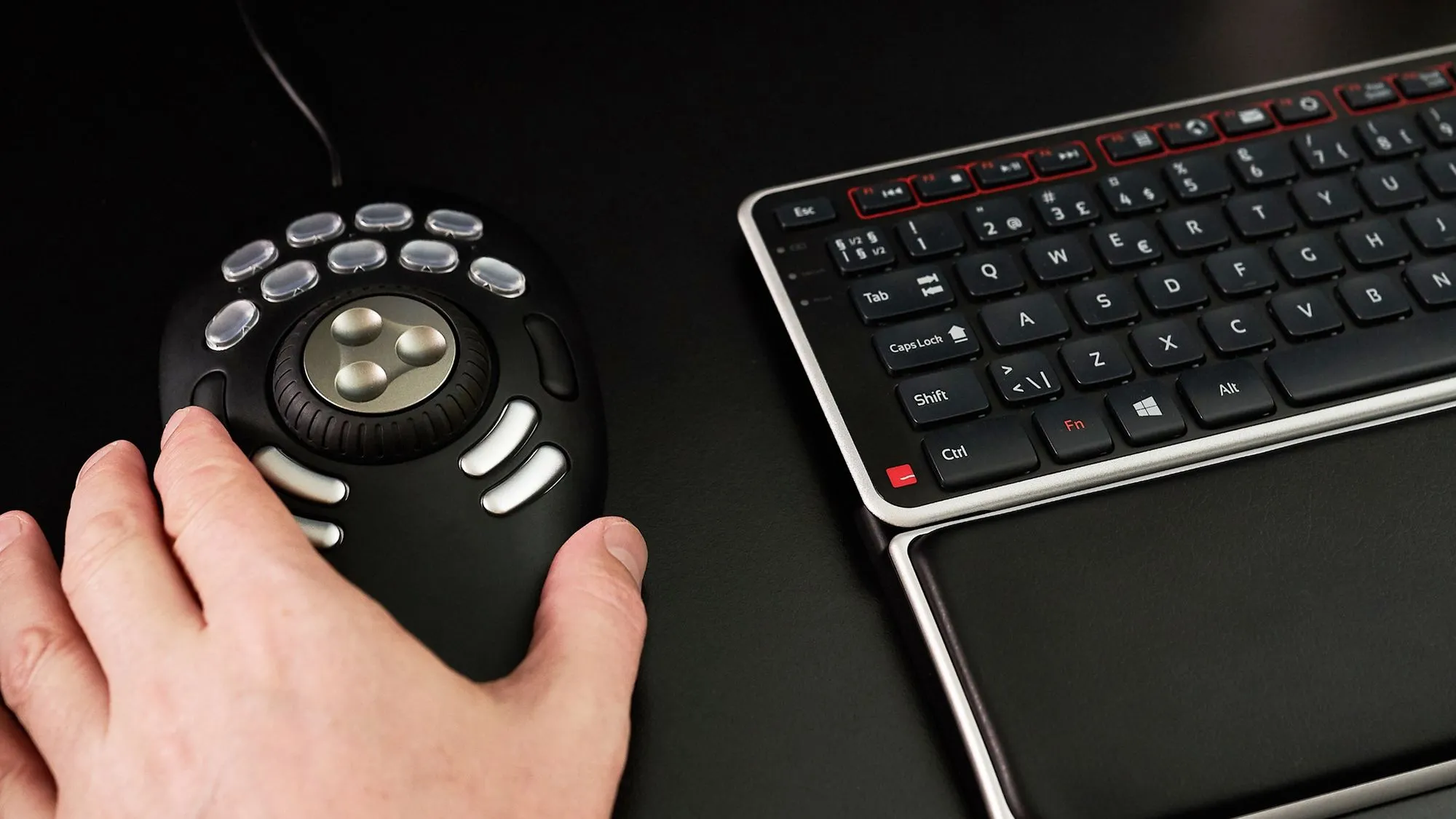
With 15 programmable buttons and a dual-control jog-and-shuttle wheel, this is the must-have tool for creatives who want to move faster and work smarter—without breaking flow.
Why You’ll Love It
Support
Our documentation gets you up and running quickly and easily. If you have any questions use the links below or contact our support.
Getting Started
Frequently Asked Questions
Returns
Contact Support
As seen on





Everything you need for a pain-free workday, bundled and priced better together.
15 programmable buttons for personalized, muscle-memory workflows.
Works immediately with most leading creative applications—no setup required.
Including Premiere Pro, Photoshop, After Effects, Logic Pro, Cubase, Audition, and more.
Creative teams across film, media, and audio rely on Multimedia Controller Pro V2 daily.

Discover What Makes Shuttle Pro v2 a Game-Changer
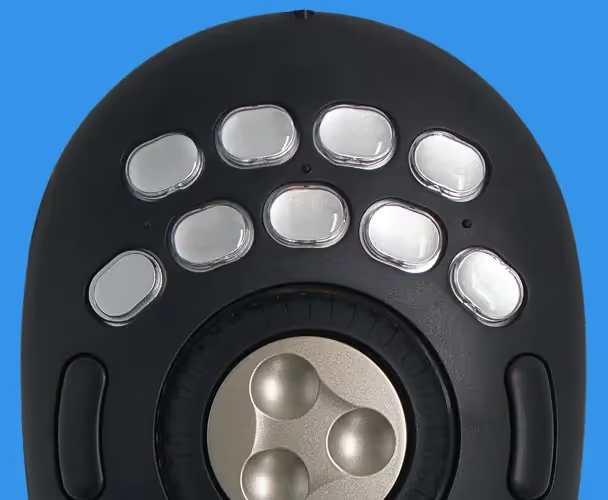
Map tools, actions, and macros to soft-touch buttons—customized for the way you work.

Streamline repetitive tasks and eliminate unnecessary clicks—great for video, photo, audio, 3D, or CAD.
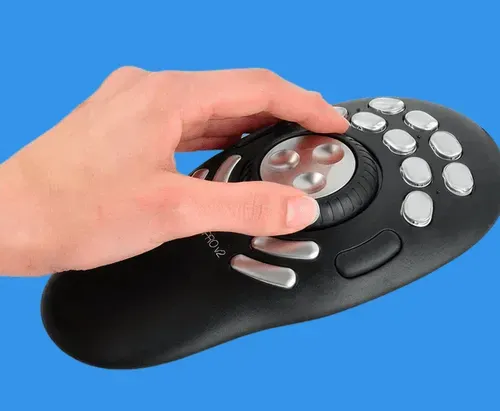
Designed to fit your hand and sit beside your keyboard—so your shoulders stay relaxed and your mind stays focused.
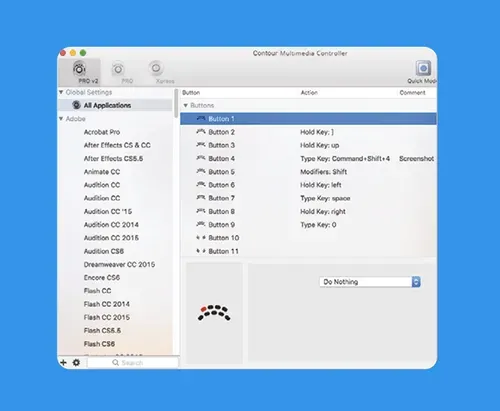
Works on Windows and macOS. With downloadable drivers, you can customize your setup even further.
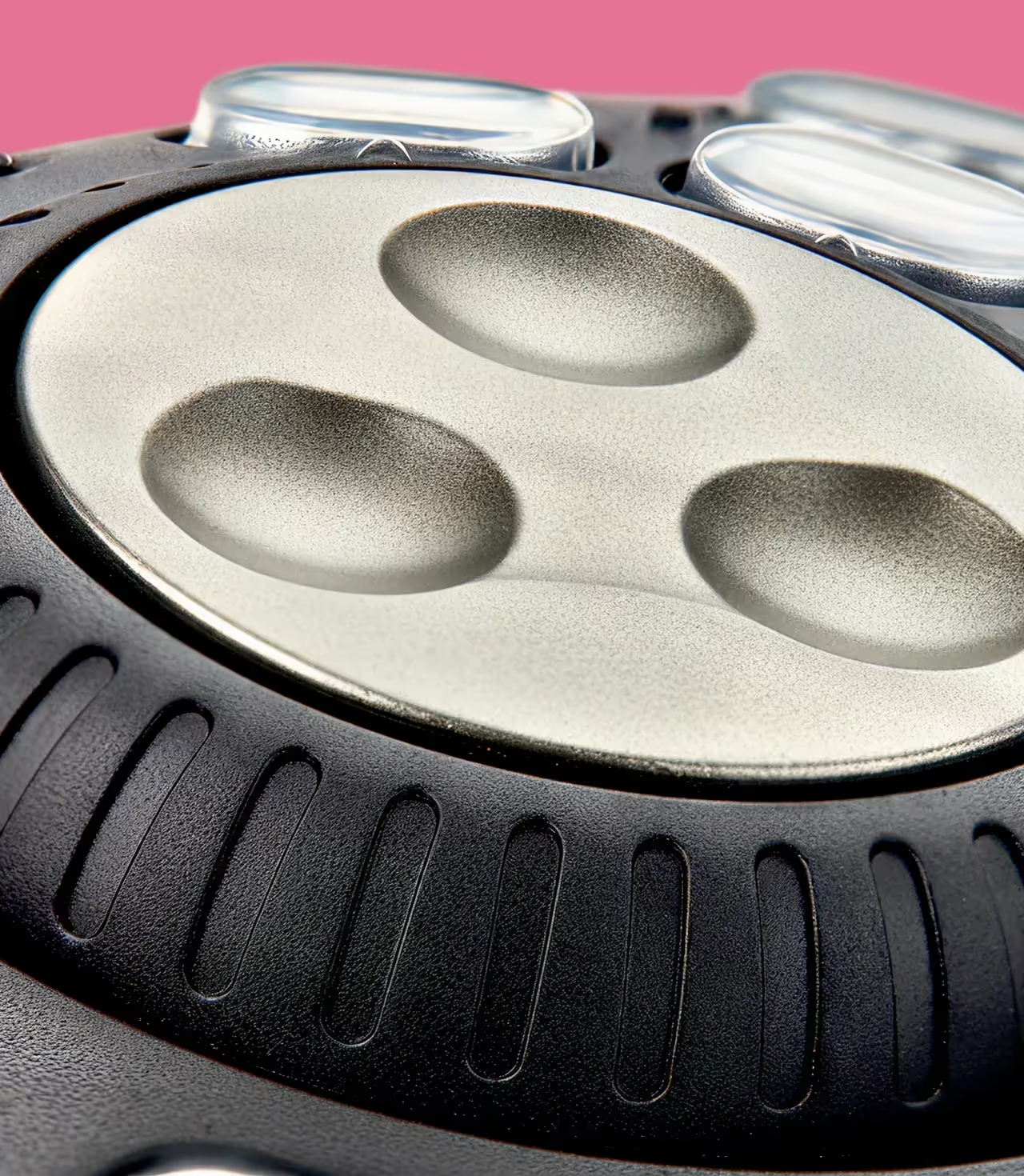
Use the inner jog wheel for precise frame control. Use the outer shuttle ring for fast-forward and rewind. Total control, one hand.
If your day is spent dragging timelines, slicing tracks, and refining visuals, you need tools that move as fast as your ideas.
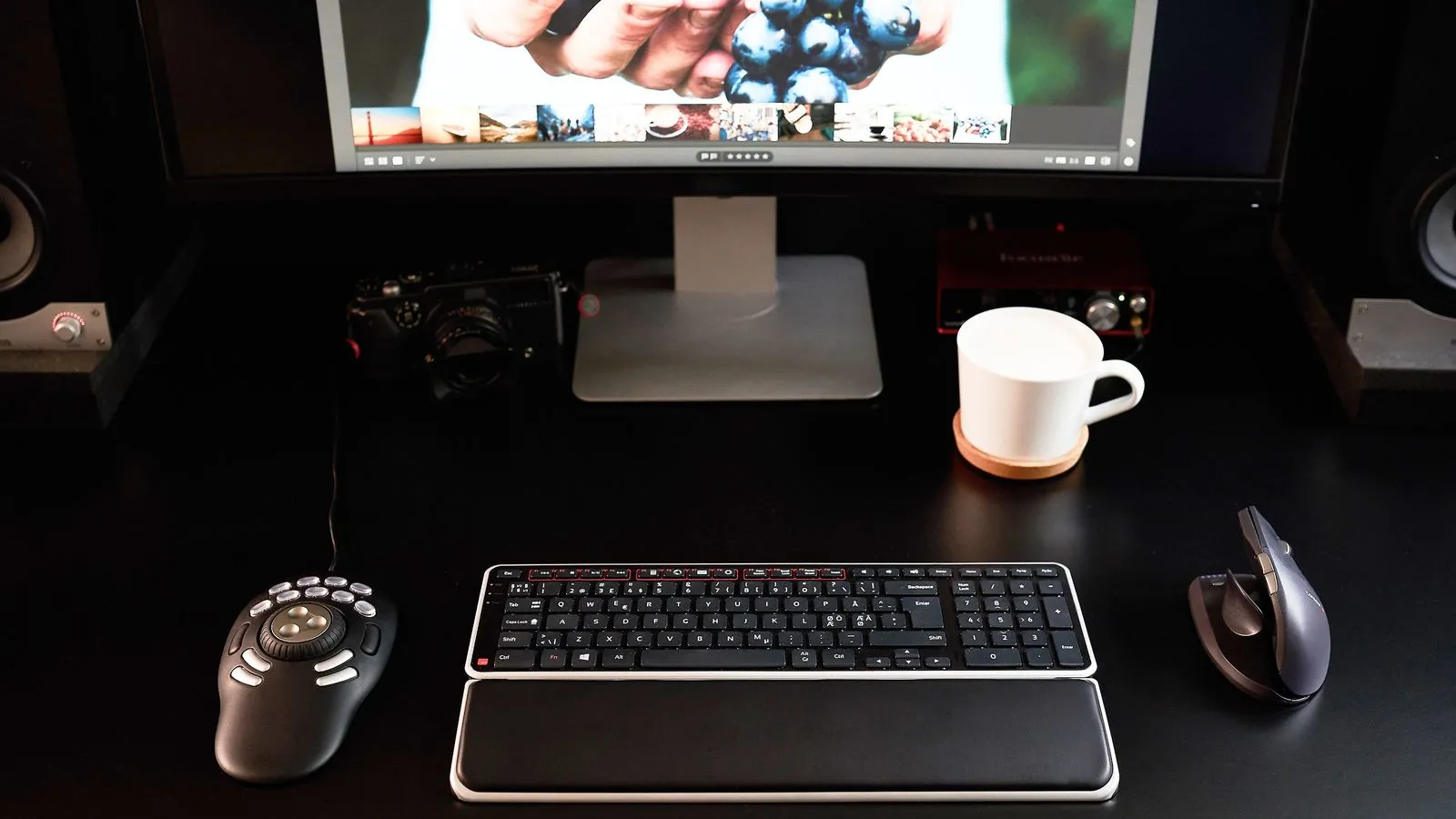

Jayson Henrie
Filmmaker & Author
Real people share how Contour changed their workday.
Answer a few quick questions, and we’ll match you with a device that works perfectly for your needs.

Got questions? We’ve got answers!
It’s compatible with most major creative tools including Adobe Premiere Pro, Final Cut Pro, After Effects, Audition, Pro Tools, DaVinci Resolve, Cubase, and more.
No. It works out of the box for many programs. Optional drivers are available to customize every button and dial to your workflow.
Shuttle Pro V2 includes 15 programmable buttons (vs. 5 on Shuttle Xpress), making it ideal for users who want full control over a complex workflow.
Yes! It’s symmetrical and easy to use on either side of your keyboard.
Not at all. It’s great for photographers, musicians, 3D designers, and even coders who want quicker access to their tools.
We're here to help you!
