
YOUR upper-body HURTS FROM using MOUSE?
You've probably tried one ergonomic mouse and...
The wrist angle improved, but the ache didn't leave.
Because every recommendation got the same thing wrong: they changed the shape. Nobody questioned where the mouse sits.
Your arm is still reaching to sideways.
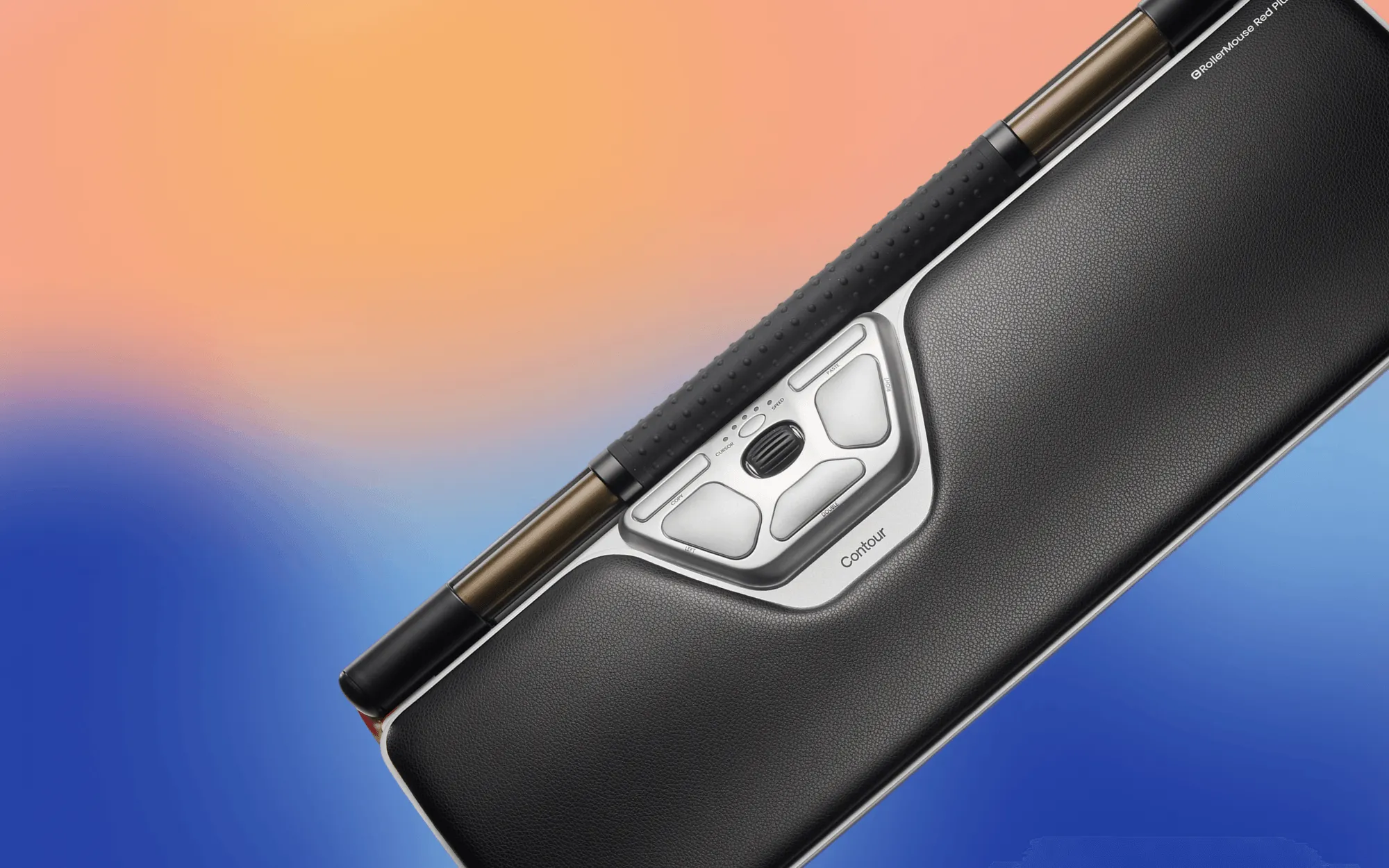
WHAT'S HAPPENING
Every time you move from keyboard to mouse, your shoulder leaves center.
MORE THAN 3.000 TIMES A DAY!
The discomfort you're feeling in your arm, elbow, shoulder or neck isn't random.

The reach to the mouse is the repetition that's husrting you.
Every keyboard-to-mouse transition runs the same chain:
1. Your shoulder pulls outward
Every tab switch, every terminal command, compounding all day
2. Your wrist rotates into pronation
Compressing the carpal tunnel with every reach not just while holding
3. Your dominant side carries everything
Your dominant arm absorbs the entire load while the other does nothing.
4. Then your neck compensates
The tension chain travels up. The shoulder pain is often where it lands, not where it starts.
It's not one injury. It's a thousand tiny misalignments compounding into something you can't ignore anymore.
WHY SCIENCE AGREES WITH YOUR body
LABORATORY PROOF: The Centered position changes everything
Your wrist has been trying to tell you something for months.
Turns out, science was listening.
A laboratory study published in Revista Española de Patología compared 10 different pointing devices using surface electromyography—a method that measures actual muscle effort in your upper armand forearm while you work.
The task: Identical work across all devices.
The measurement: How hard your muscles had to work.
The result: Centered pointing devices—RollerMouse specifically—required the least muscle effort of every device tested.
Not subjectively. Measurably.

WE DIDN'T just INVENT A BETTER MOUSE.
WE MOVED IT to the center.
For 30 years, we've been watching people work.
And we noticed something everyone else kept missing:
Most companies design computer hardware for computers.
We design it for bodies!
HERE'S WHAT HAPPENS WHEN THE MOUSE MOVES TO CENTER.
The reach disappears.
Your hands stay where they want to be, in front of you.
Both arms stay within shoulder width.
The asymmetry that's been quietly draining you? Gone.
Your wrists stay forward-facing.
No more twisting into angles your body was never designed to hold.
Both hands can operate the device.
One side doesn't have to do everything anymore.
Transitions between typing and pointing become frictionless.
No disruption. No posture breaks.
Which Ergonomic Mouse Should You Use?
Everyone works differently. Hands, posture and daily workflows vary from person to person. To help people discover the right ergonomic setup, we did a short quiz that recommends devices based on individual work habits and comfort needs.



.avif)
YOUR body DOESN'T NEED PERMISSION TO FEEL BETTER
You don't need to keep adapting to tools that refuse to meet you halfway.
The tightness you feel around 2pm? It's not random. And it's not you.
IT'S THE REACH
Centered control. Balanced posture.
The geometry your shoulder's been asking for.
FAQs
Your questions answered.
We don’t diagnose or treat conditions. Our devices are designed to reduce common risk factors like reach and wrist deviation. If you have symptoms, talk to a clinician.
Many users experience reduced tension within days, while others may take a couple of weeks to fully adapt. Individual experiences may vary based on usage. Consistent use is key to noticing improvements.
Most users feel comfortable within 1 to 3 days. We provide a quick start video to assist with the learning process. You'll be navigating smoothly in no time.
Absolutely! You can switch hands anytime with the RollerMouse and SliderMouse. Additionally, the UniMouse is designed for both left and right-handed users.
Our products are compatible with both Mac and PC. Wired and Wireless. Compact desks and full professional setups. Multiple models, different sizes. We didn't build one solution and demand the world adjust. We built a system that meets people where they are.
Still have questions?
Feel free to reach out to us!