
RollerMouse

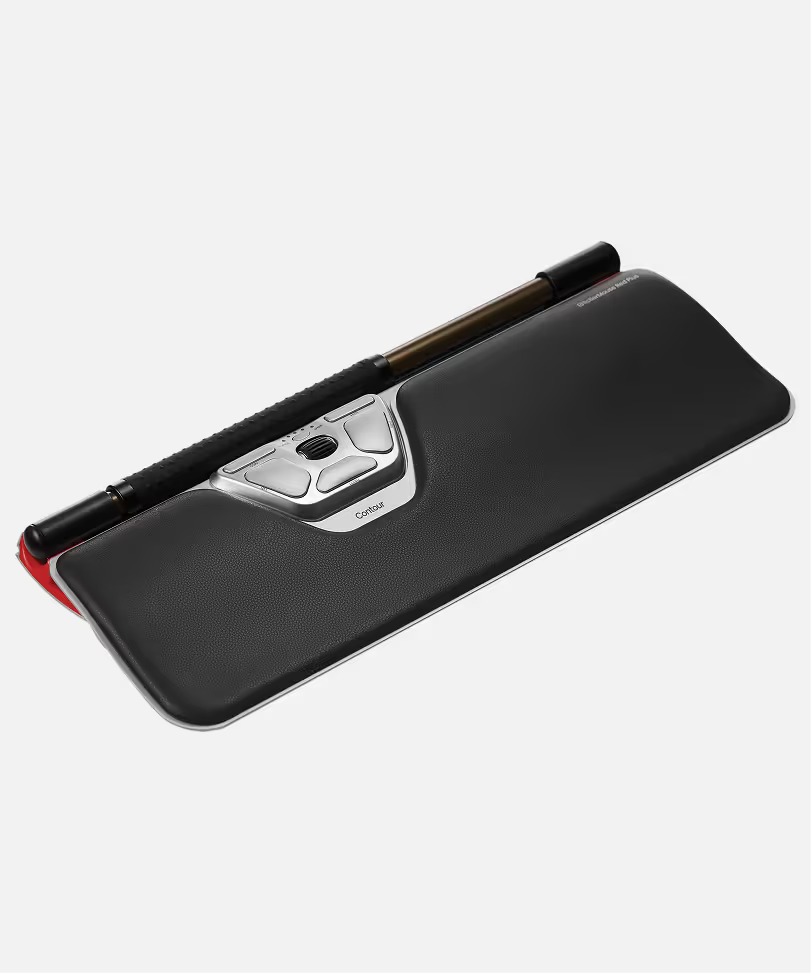
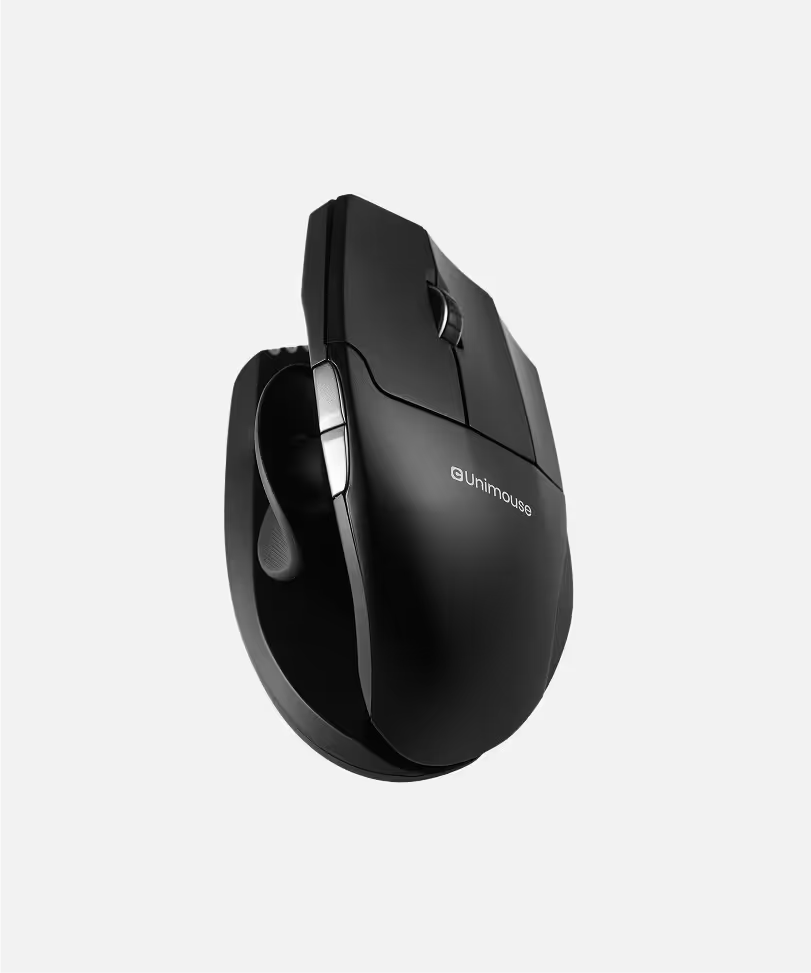
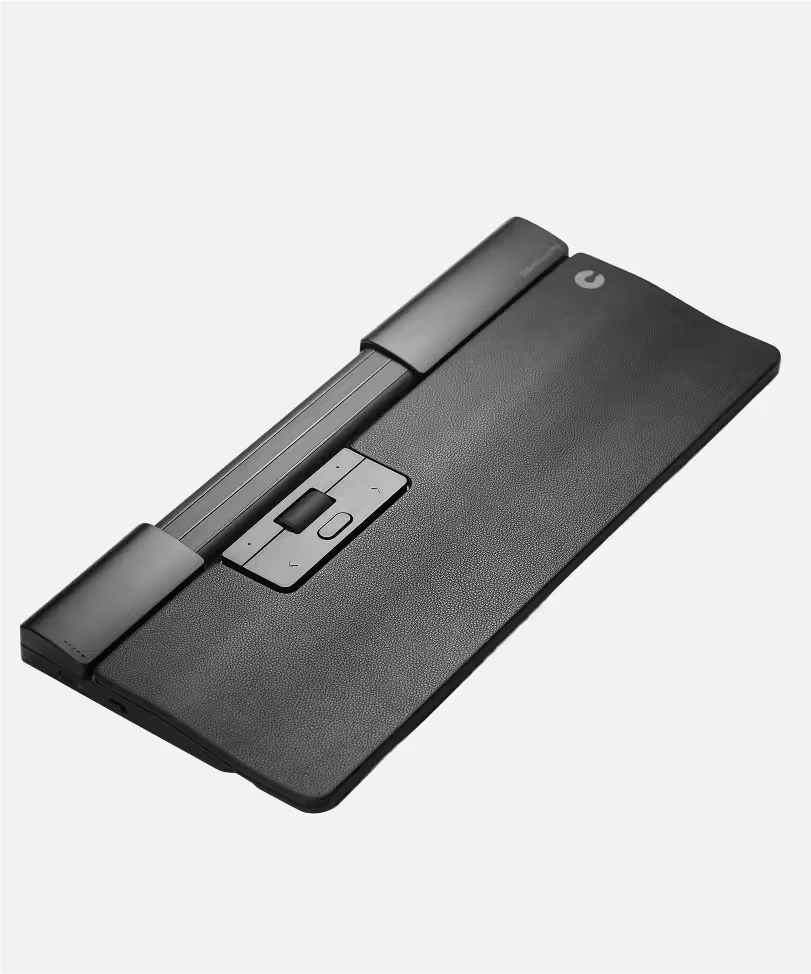
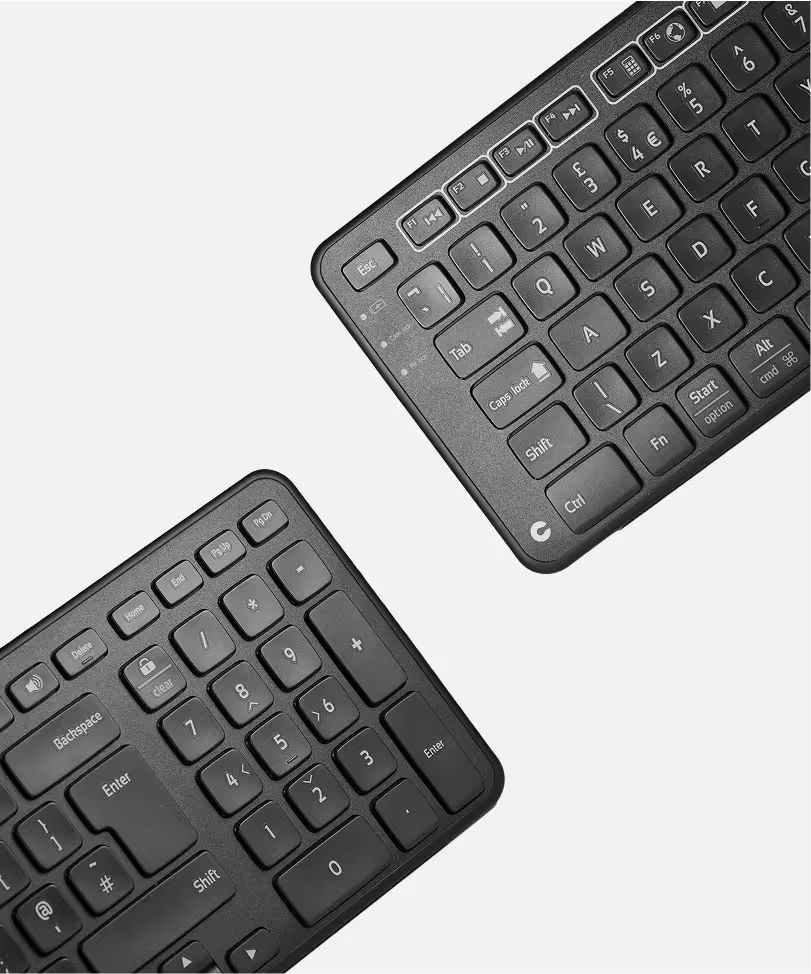



9 out of 10 users say RollerMouse ended their discomfort.
Say Goodbye to Pain
RollerMouse delivers effortless control and all-day comfort—right at your fingertips.
We Reinvented the Mouse
At Contour, we couldn’t ignore it: regular mice were hurting people. So, we created RollerMouse—a smarter, more natural way to work. It’s about keeping you comfortable and in control, no matter how long your day gets.
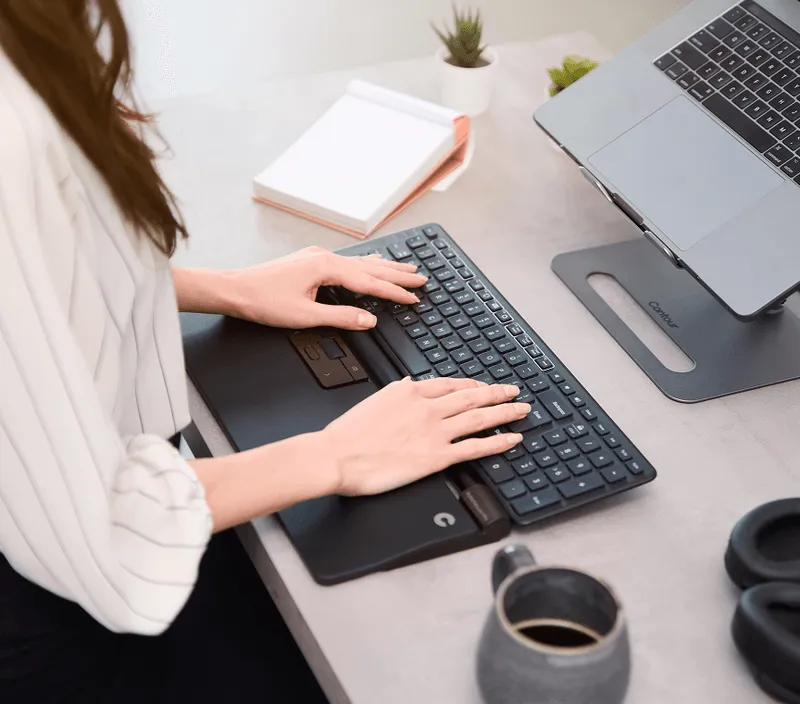
We Believe in Comfort
Say goodbye to strain. We design for your body’s natural movement.

We Believe in Innovation
We reinvented the mouse to reinvent your workday.

We Believe in You
Take control. Customize RollerMouse for your unique workflow.
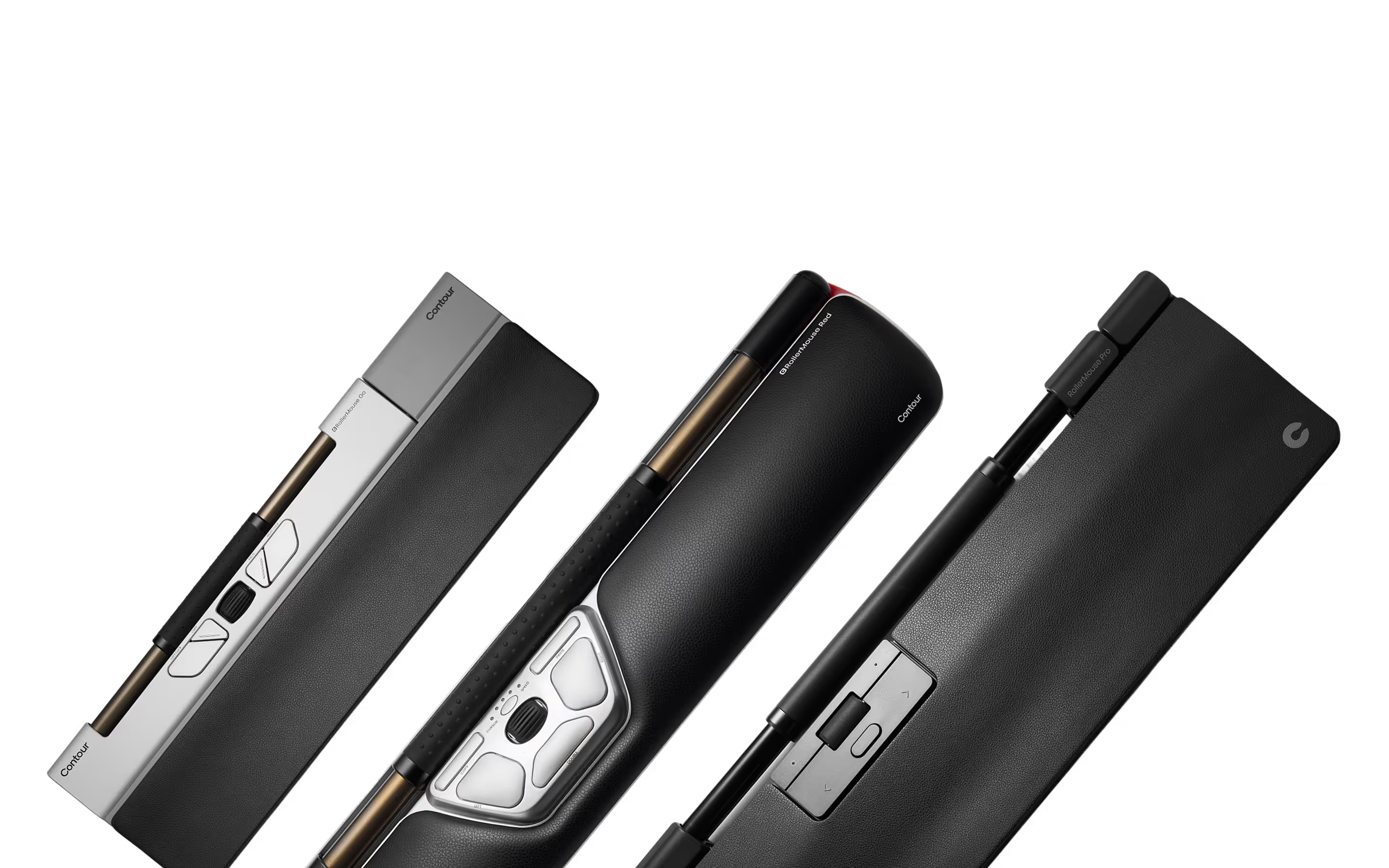
Find Your RollerMouse
Designed for all-day comfort, precision, and a fit for your workflow, with features tailored to your needs.

Comfort Meets Control
RollerMouse adapts to your hands, so you can work smarter, longer, and pain-free.
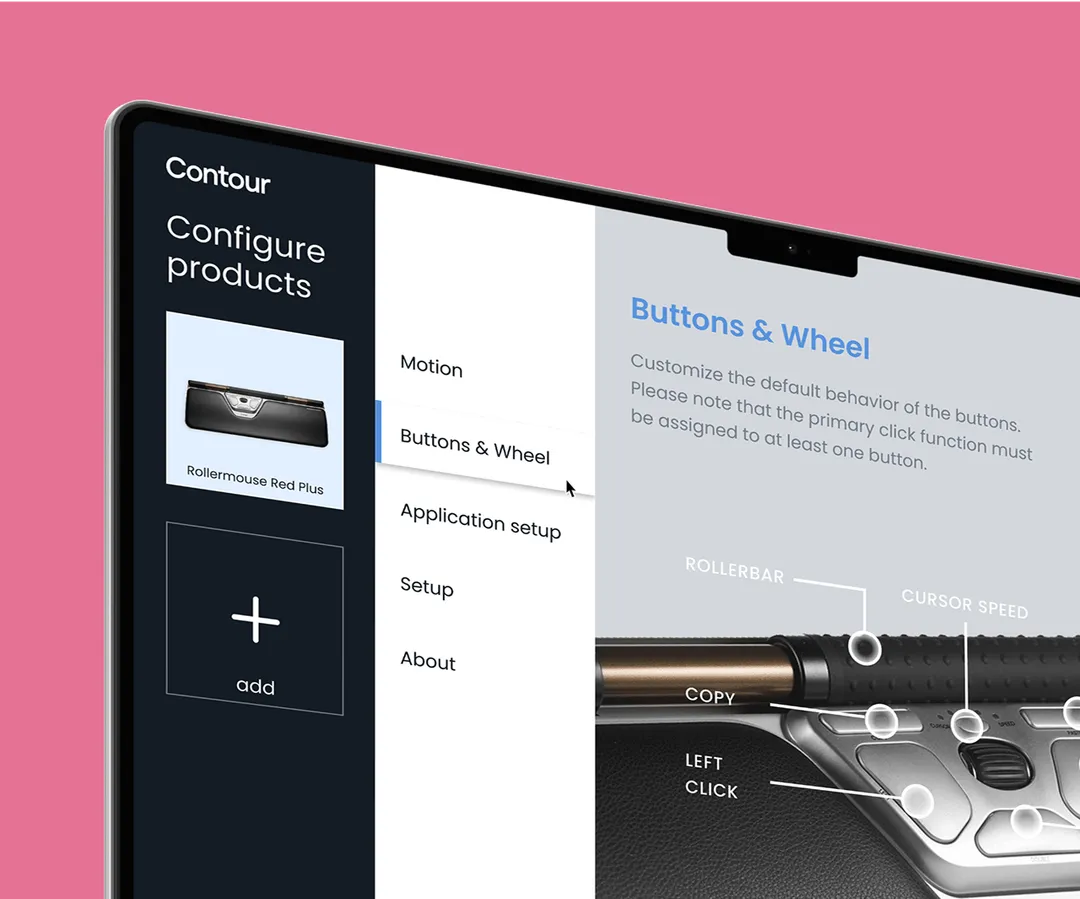
Customizable Buttons
Make it yours—program them to match how you work.
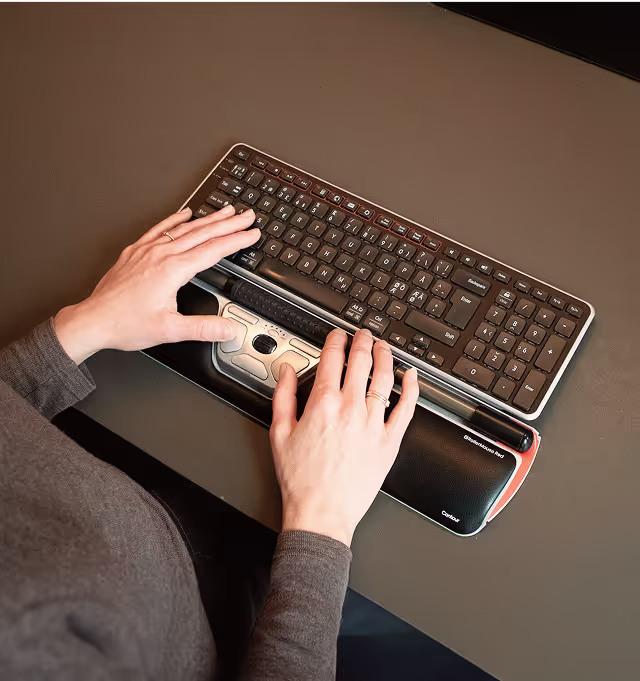
Centred Design
Hands stay natural, strain stays away—simple as that.

Precision Tracking
Smooth moves for every click, scroll, and swipe

Built to Last
Premium materials that feel great and go the distance.
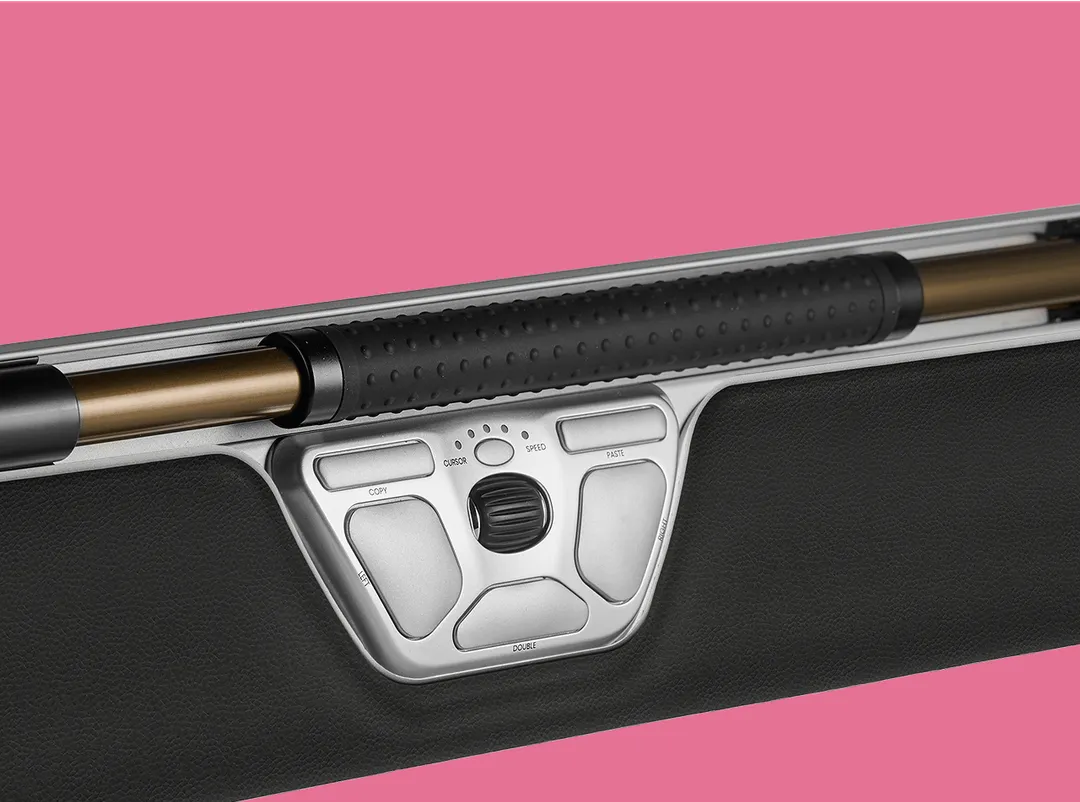
Rollerbar Technology
Experience effortless scrolling and cursor control with our signature rollerbar—designed to keep your hand relaxed and strain-free.
Why They Love It
Real people share how Contour changed their workday.
I bought the RollerMouse Red and am so pleased with it; my arthritic thumb pain is much reduced. Couldn’t recommend Contour more highly.
This mouse is really awesome … my everyday life has improved considerably. … I can now finish each workday with manageable pain.
Not Sure Where to Start?
Answer a few quick questions, and we’ll match you with a device that works perfectly for your needs.


Combos
Find the RollerMouse combo made for you.
FAQs
Got questions? We’ve got answers!
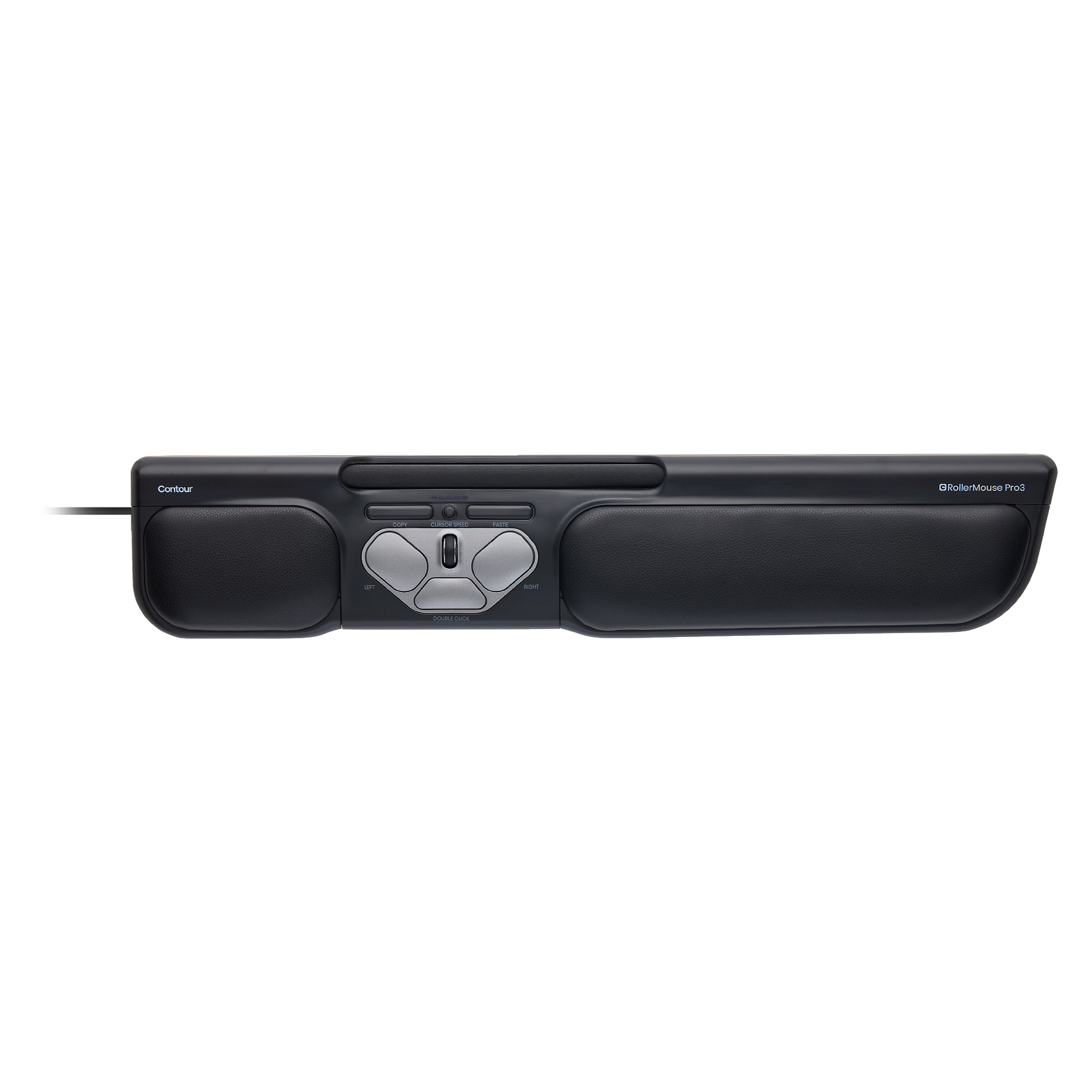
RollerMouse is our answer to computing pain. It's a comfy mouse alternative that keeps your neck, shoulder, forearm and wrists happy and your work flowing. No more awkward arm extensions, mouse movements or awkward twisting - just a natural, relaxed position while you work.
You move the bar left, right and roll it up and down to move the cursor. It's like magic - no more reaching or straining. Plus, it works with both Windows and Mac, so you're covered.
Totally! You can tweak the settings to make it just right for you. Faster cursor? Slower? You decide. It’s all about what feels best for your workflow.
Less pain, more gain. Your wrists will thank you, and you’ll get more done without the discomfort. It’s all about keeping you comfortable and in control, no matter how long your day gets.
Right here on our site or at one of our trusted retailers. We’ve made it easy and secure for you—just pick what works best.
Still have questions?
We're here to help you!